Every CLO render required manual export, file renaming, and re-uploading, a repetitive task done dozens of times per week.
CLO, CLOSET, Airtable PLM and Miro all lived in silos. No data flowed between them without human intervention.
Manual copying introduced mismatched style names, wrong images and outdated renders in the lineplan.
Styles were ready in CLO, but PLM and Miro lagged by days slowing decisions that depended on current data.
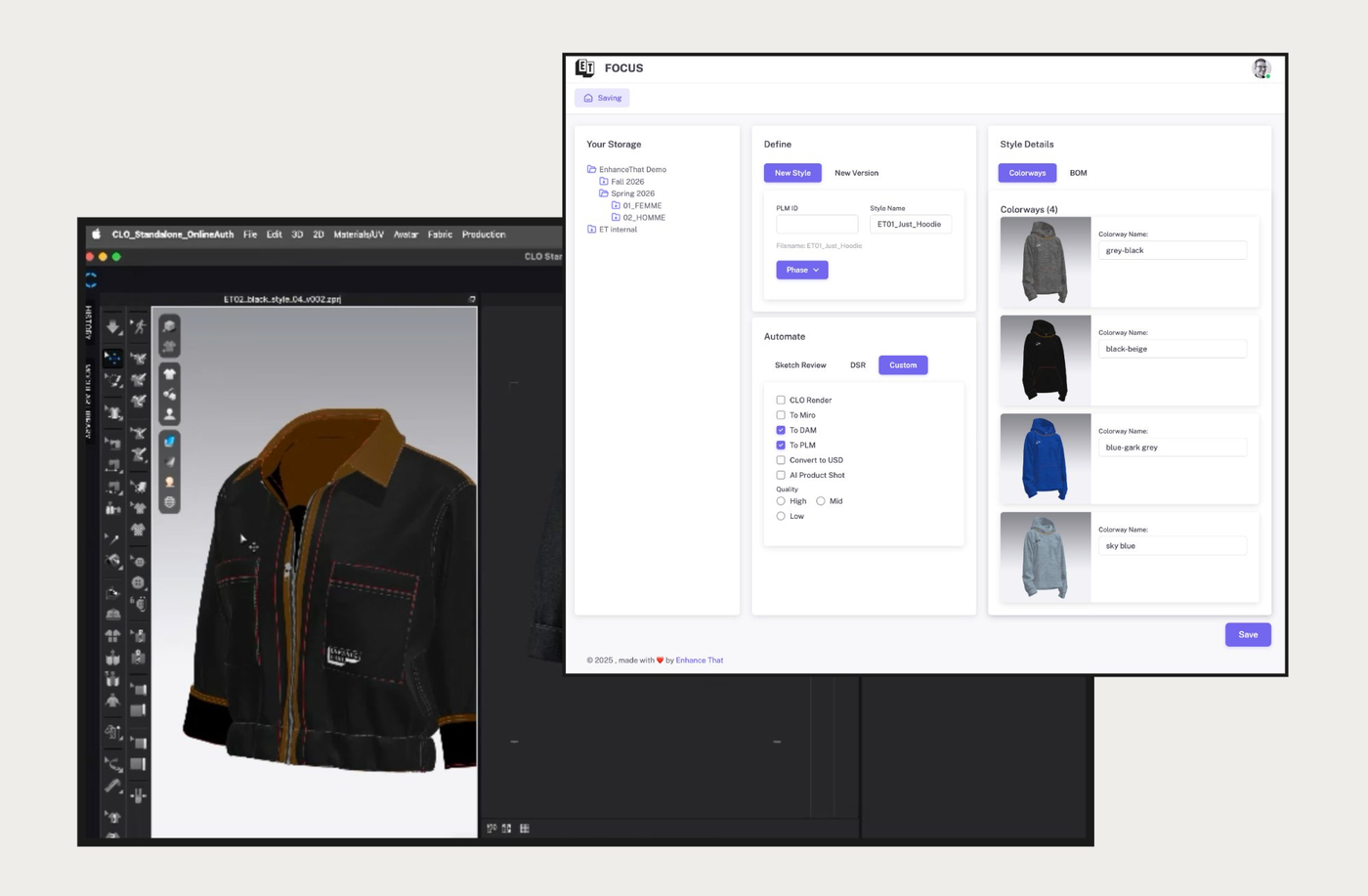
CLO + FOCUSwhere one action triggers the entire pipeline
The designer selects a milestone in FOCUS and triggers the automation.
The images land in CLOSET, data is pushed to PLM, and in Miro you get to see the PLM data and the Product images from CLOSET.
No copying, no renaming, no uploading.
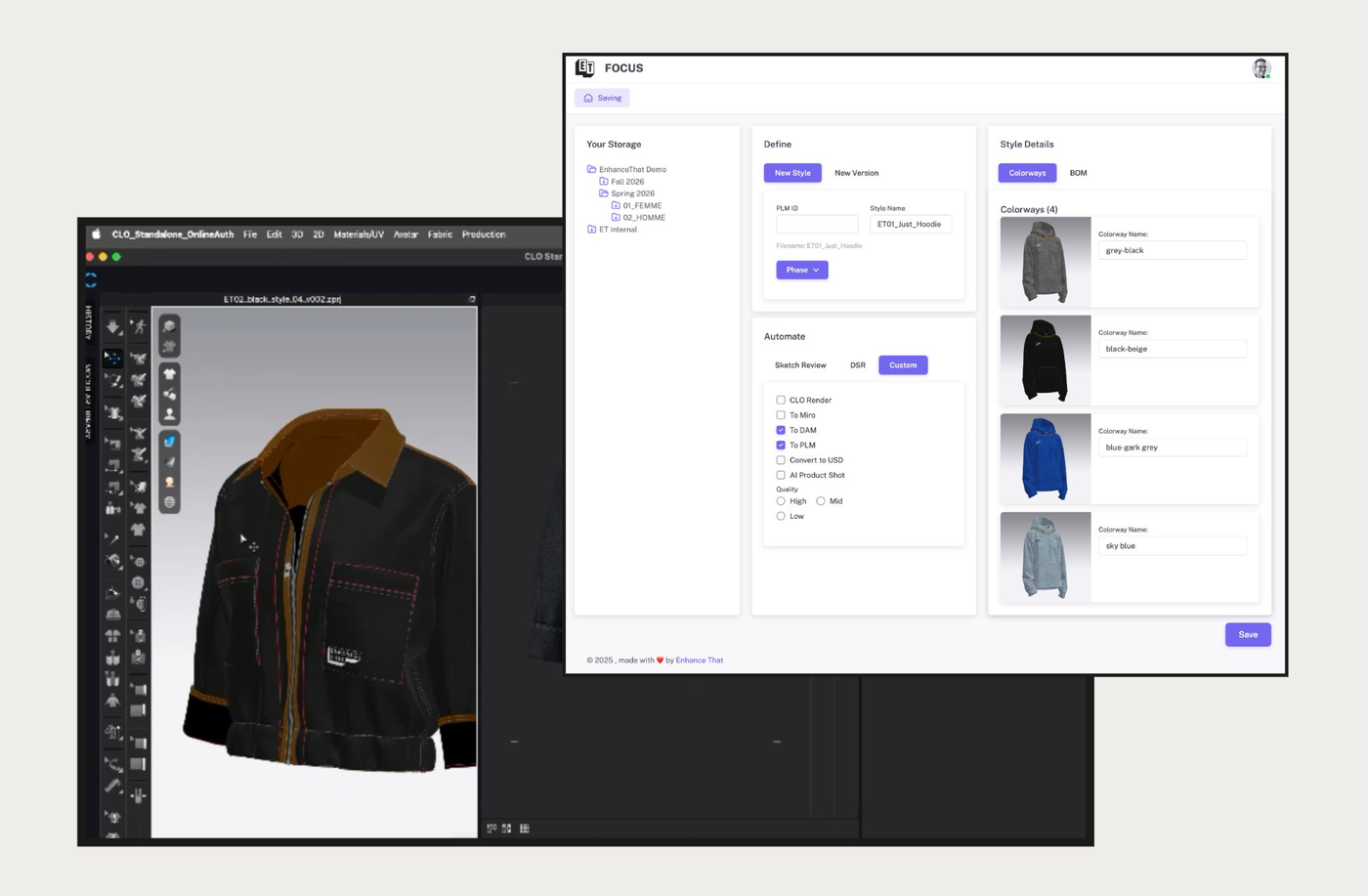
Select milestone, define & trigger
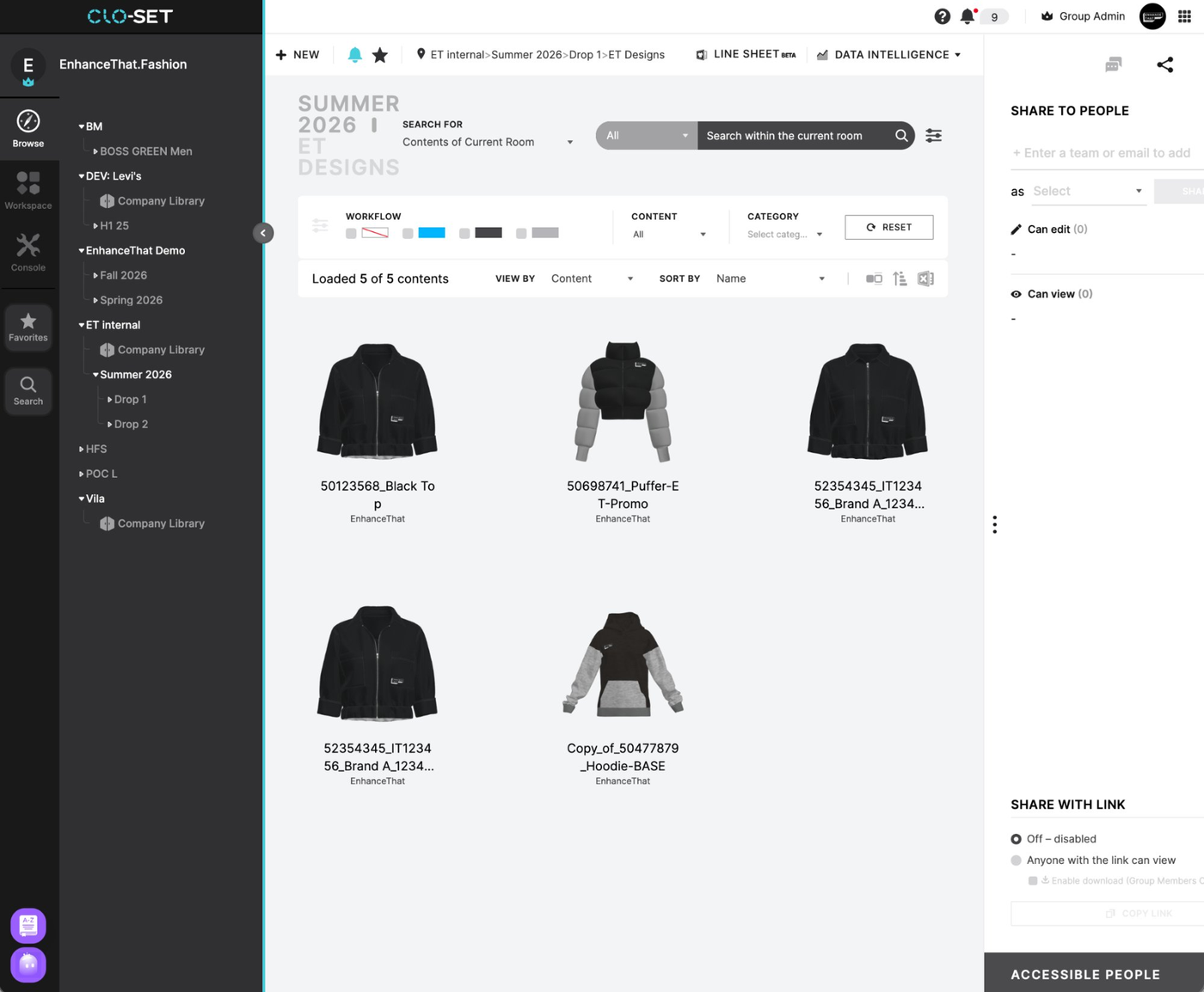
Styles stored and rendered automatically
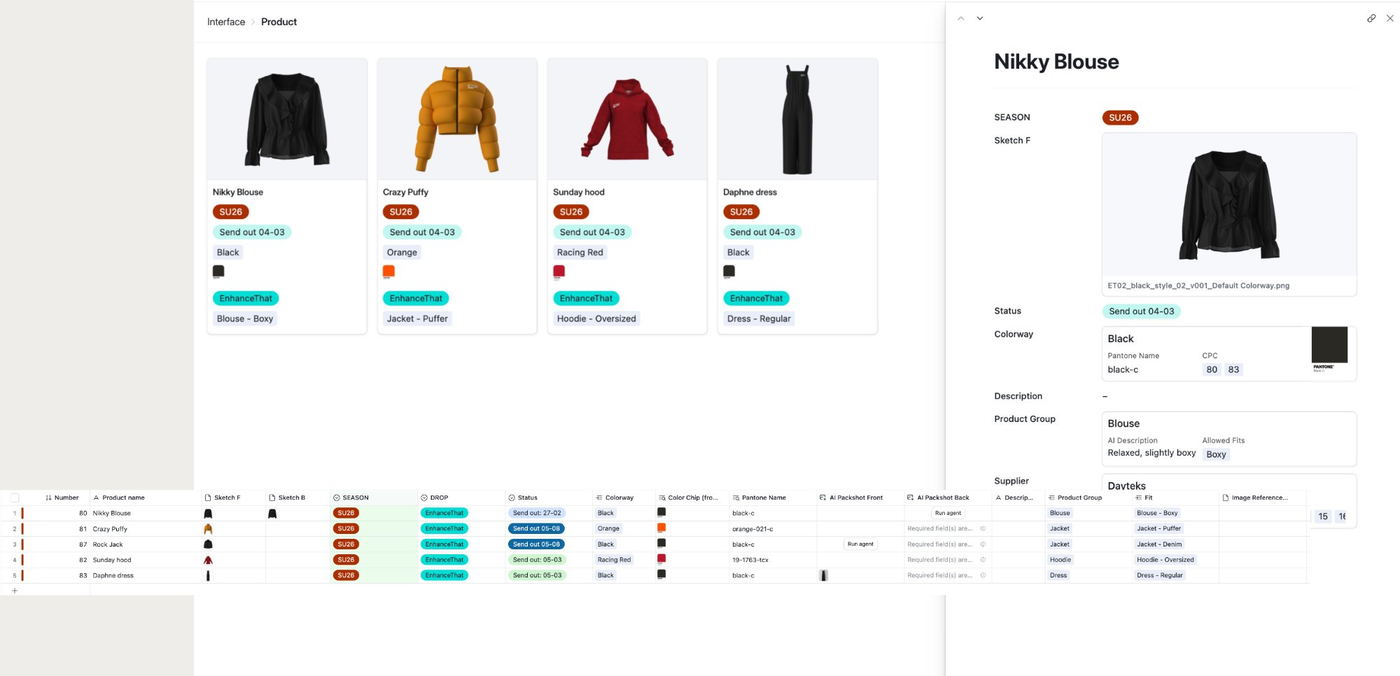
Image pushed to record
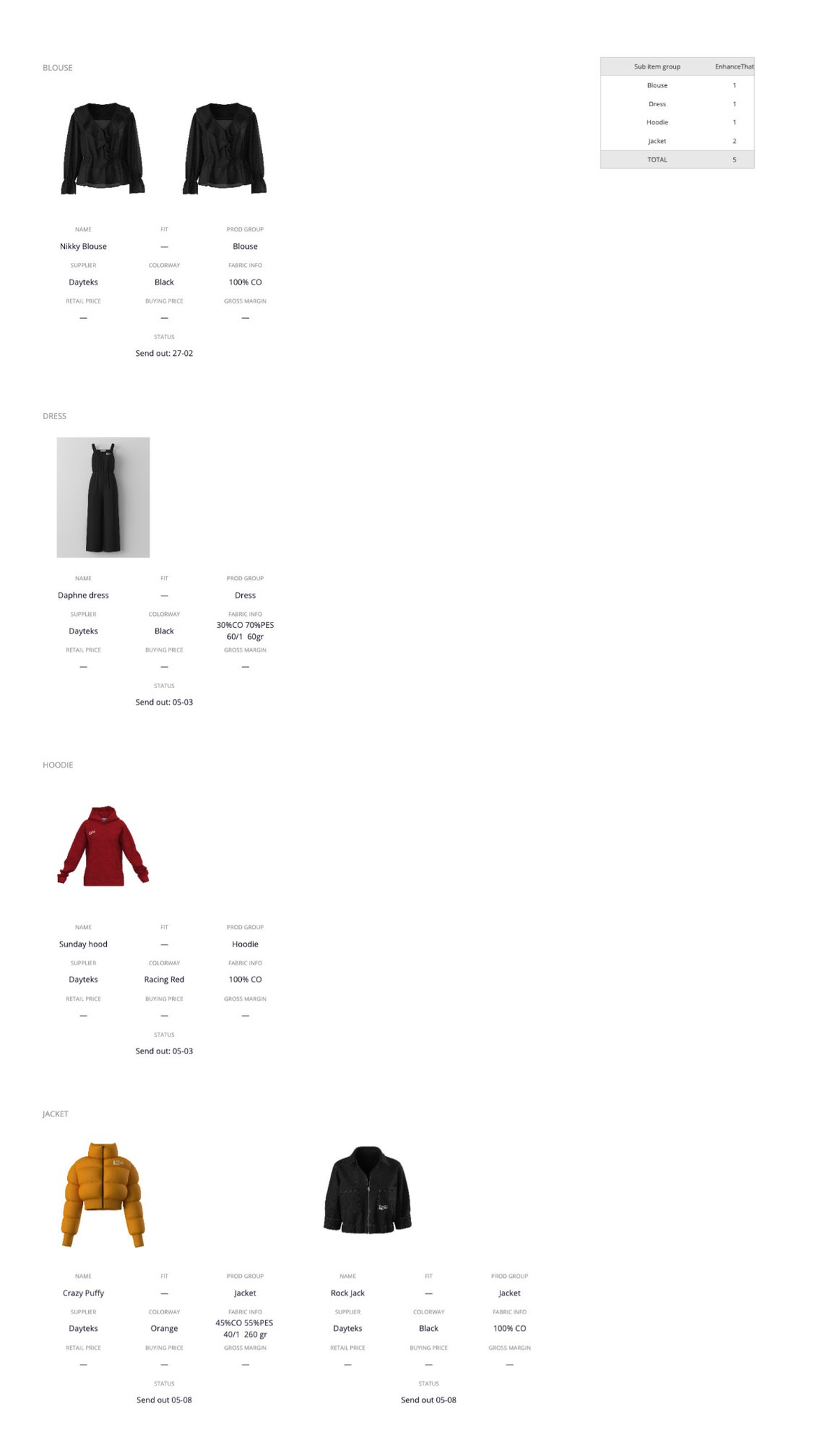
Lineplan updated live with PLM data and images
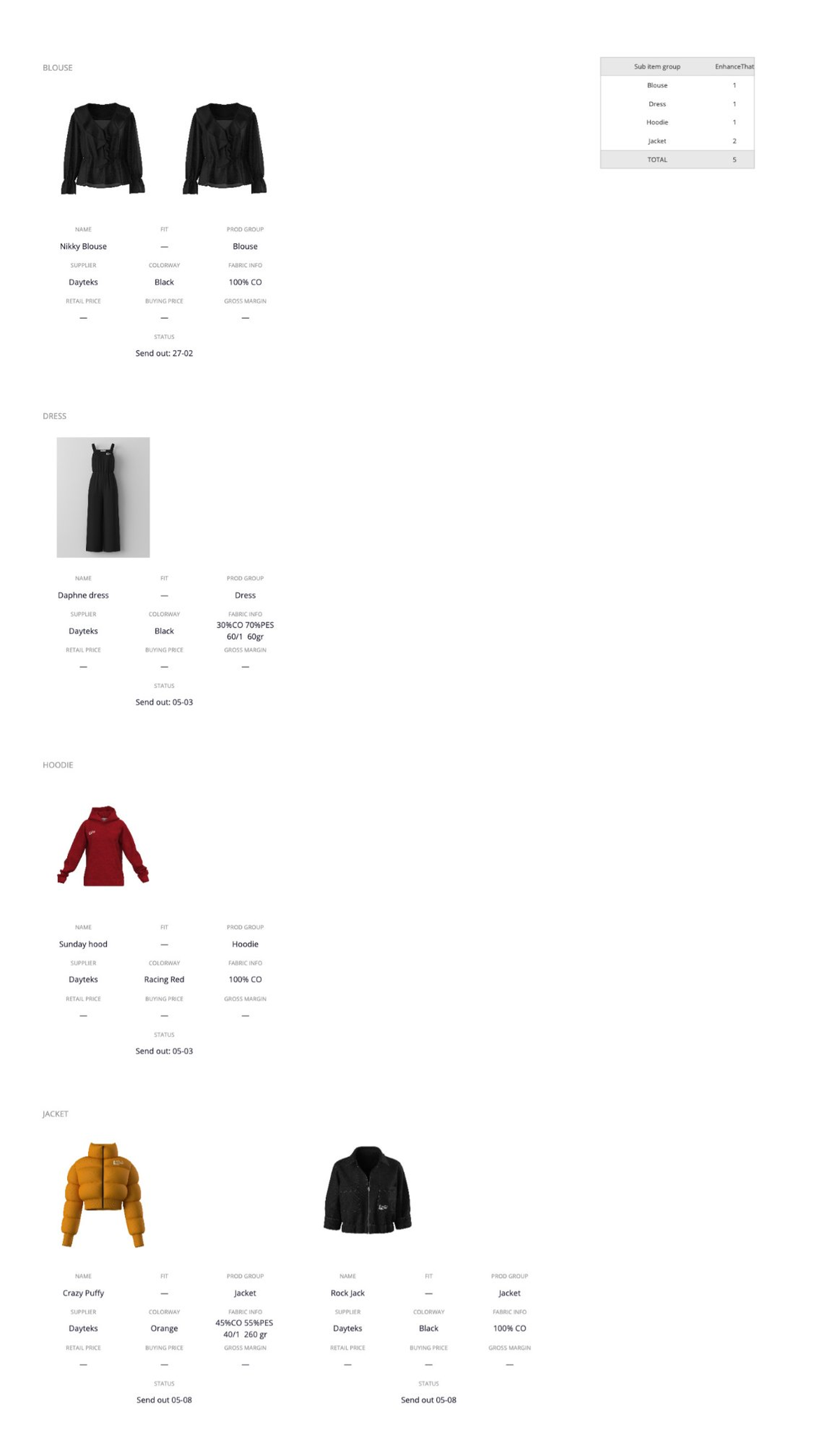
Mirovisual lineplan, always updated.
When a designer reaches a milestone, FOCUS triggers automatic saving to CLOSET, render, metadata and project context included. No manual export or navigation required.
CLOSET manages the digital assets. The automation pushes the render into the correct PLM record, enriching product data without human touch.
The Miro lineplan is automatically updated with the latest approved render and product data, so buyers always see current styles without chasing the design team.
EnhanceThat's automation layer orchestrates the data flow — handling matching, formatting and delivery so each tool gets exactly what it needs, every time.